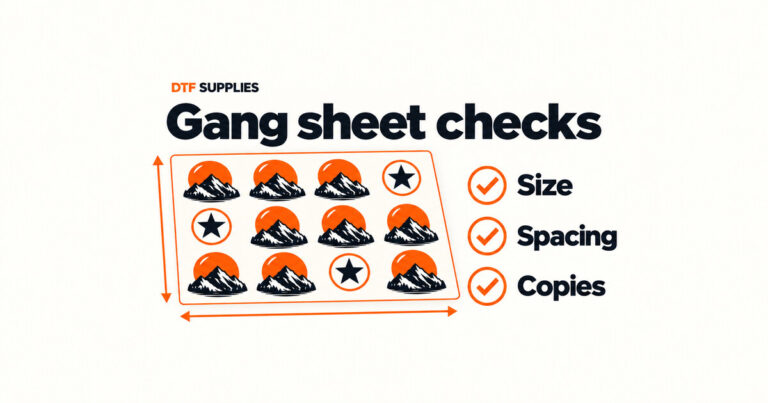
Check Auto Build sizes and reduce wasted gang sheet space
Auto Build can arrange several designs quickly. Learn what to check afterwards so the finished sizes, copy counts and sheet layout match your order.



DTF transfers let you add printed artwork to clothing using a heat press. You can order your designs ready to press, so you do not need to print the transfers yourself. At DTF Supplies, you can upload a finished gang sheet or arrange your designs with our free online builder.
This guide covers textile DTF transfers. The application method is different from the pressure-applied UV DTF decals used for suitable hard objects, and from our separate UV TPU badge products.
DTF means direct to film. In textile DTF production, artwork is printed onto transfer film, adhesive powder is applied and cured, and the finished design is transferred to a garment with a heat press. The carrier film is then removed according to the transfer's peel instructions.
When you buy ready-to-press transfers, the printing and powder-curing stages have already been completed. Your job is to prepare the garment and apply the transfer correctly. You do not need to add more adhesive powder to a finished transfer.
DTF transfers can be used for projects such as T-shirts, hoodies and workwear. Check that the exact garment and its finish are suitable for the transfer and pressing conditions. Test a sample before decorating a full order, particularly when you are using a new fabric or garment supplier.

If you are unsure which product your logo or material needs, contact us before ordering. Do not use the name DTF alone to decide how something should be applied.
A gang sheet is a layout containing several designs on one sheet. For example, you could place chest logos, larger back designs and repeated artwork together. Leave enough room to separate the designs without cutting into a neighbouring print.
Use the file guidance supplied for your chosen ordering method. If you are unsure whether your artwork is suitable, ask before placing the order. The print-ready upload product also offers optional artwork verification.

Start by checking the instructions for the transfer you bought and the garment's suitability for heat pressing. Settings from a different film, ink or adhesive system may not be appropriate.
Use the current product page and instructions supplied with your transfer as the reference for temperature, pressure, pressing time and peel method. If they differ or anything is unclear, contact us before pressing. Textile transfer instructions should not be used for UV DTF decals or TPU badges.
Before starting the full order:
If a transfer lifts or the result is unexpected, pause and check the product instructions. Avoid repeatedly increasing heat or time without understanding the cause. Contact us with the transfer details, garment material and settings you used.
Follow both the garment care label and the transfer care instructions. Where the instructions differ, use the more restrictive guidance. Our textile transfer pages advise washing inside out and note that tumble drying can reduce transfer longevity.
Print life depends on the transfer system, fabric, application and washing conditions. A fixed wash-count promise is not a substitute for checking that your own garment and process work together.

No. The ready-to-press service supplies the printed transfers. You need suitable heat-press equipment to apply them to clothing.
Yes. A gang sheet can contain different designs or repeated copies. Check each design's dimensions and quantity before you order.
No. They use different transfer systems and application methods. Choose textile DTF for the clothing workflow described here and follow the product-specific guidance.
Do not assume so. Our UV TPU badges are separate heat-apply products. Refer to the badge product information and confirm the application requirements for your garment.
Ready to prepare your order? Upload your finished gang sheet or use our free gang sheet builder to arrange your designs.
Auto Build can arrange several designs quickly. Learn what to check afterwards so the finished sizes, copy counts and sheet layout match your order.
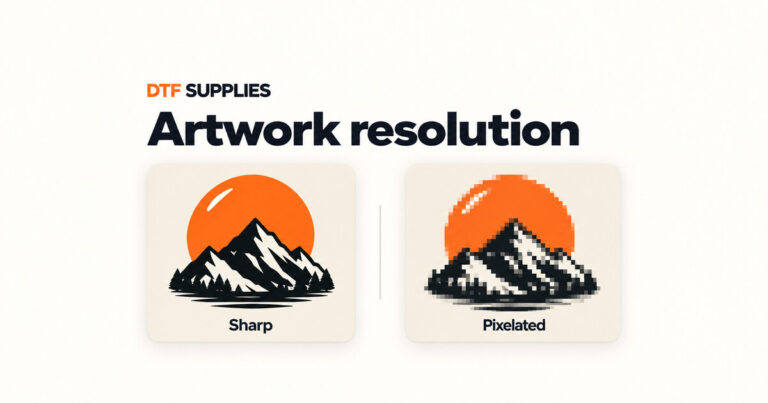
A clear-looking thumbnail can hide low-resolution artwork. Check pixels, final print size, transparency and detail before ordering DTF transfers.
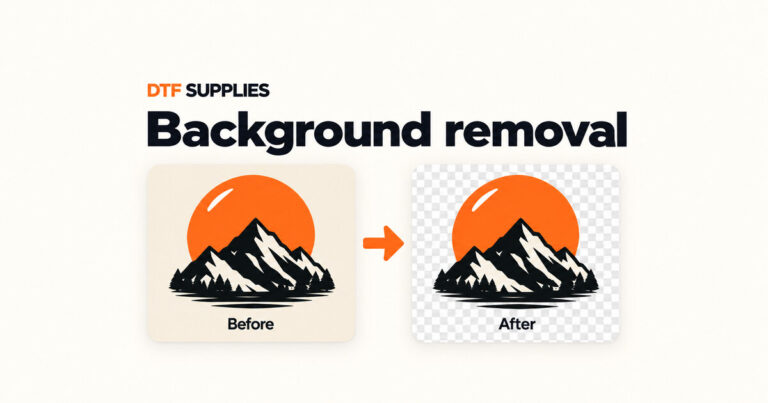
Learn how to check a DTF design for unwanted backgrounds, use background removal and inspect the result before arranging your gang sheet.