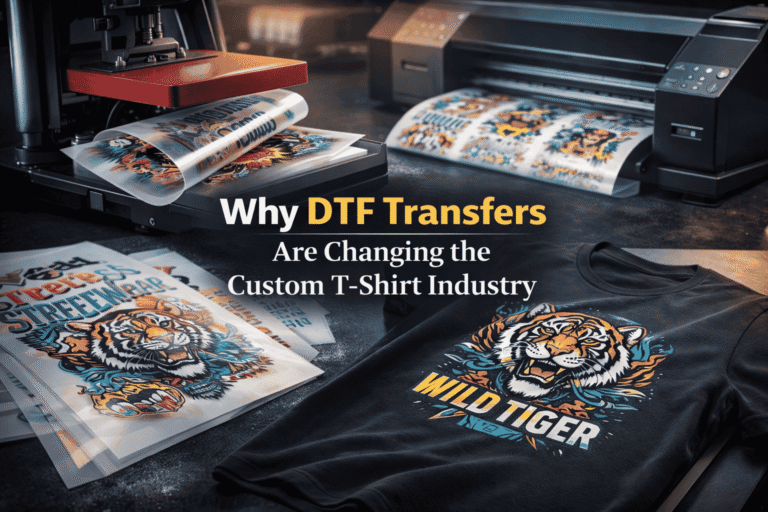
Why DTF Transfers Are Changing the Custom T-Shirt Industry
If you’ve looked into custom t-shirt printing UK recently, you’ll have noticed one technology coming up again and again: DTF transfers. Direct-to-film printing has rapidly


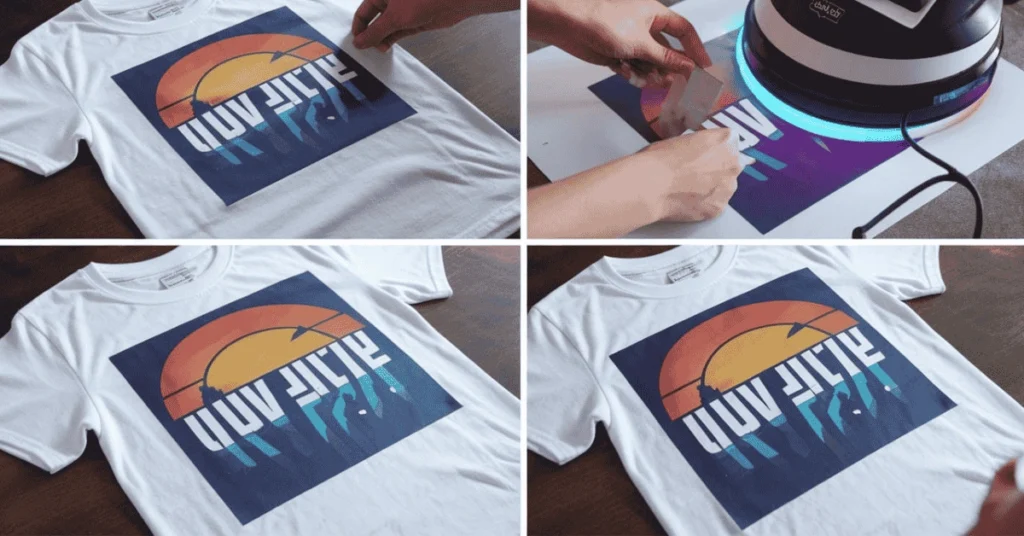
How to Apply UV Dtf at Home:UV-DTF transfers make it easy to customize glass, metal, plastic, and wood with vibrant, durable designs. Unlike vinyl, they require no weeding or heat, making them perfect for DIYers and professionals.With the right steps, you can apply these transfers at home for a flawless, long-lasting finish. This guide will help you prepare your surface, apply the transfer, and achieve professional-quality results effortlessly!
Applying UV decal transfers is a quick and cost-effective solution for businesses and DIY enthusiasts. These full-color prints are designed for hard surfaces like cups, mugs, laptops, water bottles, and phone cases, making customization simple. Unlike other methods, UV DTF transfers do not require a heat press or special equipment. They work on a variety of substrates, using printers with ink cured by light, ensuring high-quality and durable designs.
Our transfers are weather-resistant, scratch-resistant, and water-resistant, giving them excellent durability. We offer hundreds of wraps for tumblers, cups, and mugs, and you can also upload your custom designs. These effective transfers keep their vibrant colors over time, but for best results, avoid using them in the dishwasher or microwave. Whether for personal use or selling customized products, UV DTF transfers provide high-quality and long-lasting results.
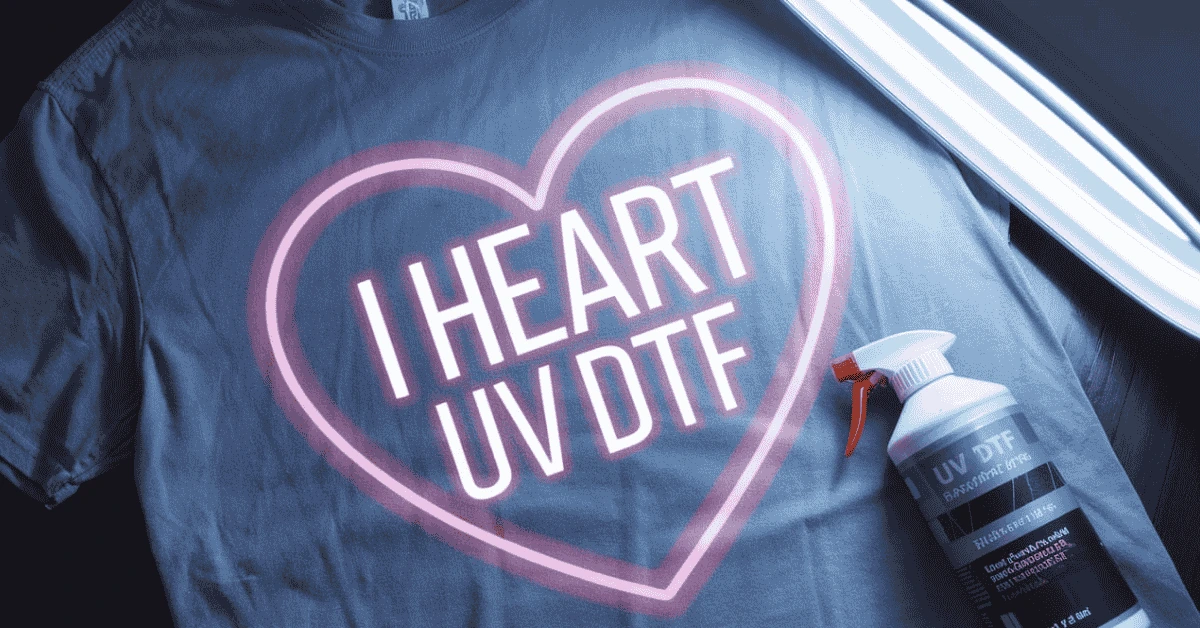
Start by cleaning the surface with a lint-free cloth and rubbing alcohol to remove dirt, oil, or dust. Allow it to air dry completely before applying. Carefully peel off the backing paper without touching the adhesive side, as fingerprints may affect adhesion. Position the sticker on the surface, then use a plastic card or fingers to smooth out any bubbles or wrinkles, starting from the center and working to the edges.
Before application, ensure both the surface and transfer film are free from dust, dirt, and oils. Use a lint-free cloth with a cleaning solution for glass surfaces, or opt for alcohol wipes. Check the film for air bubbles or wrinkles, and gently smooth them out with a soft cloth or squeegee. Proper preparation ensures the application process goes smoothly and results in a clean, vibrant design.
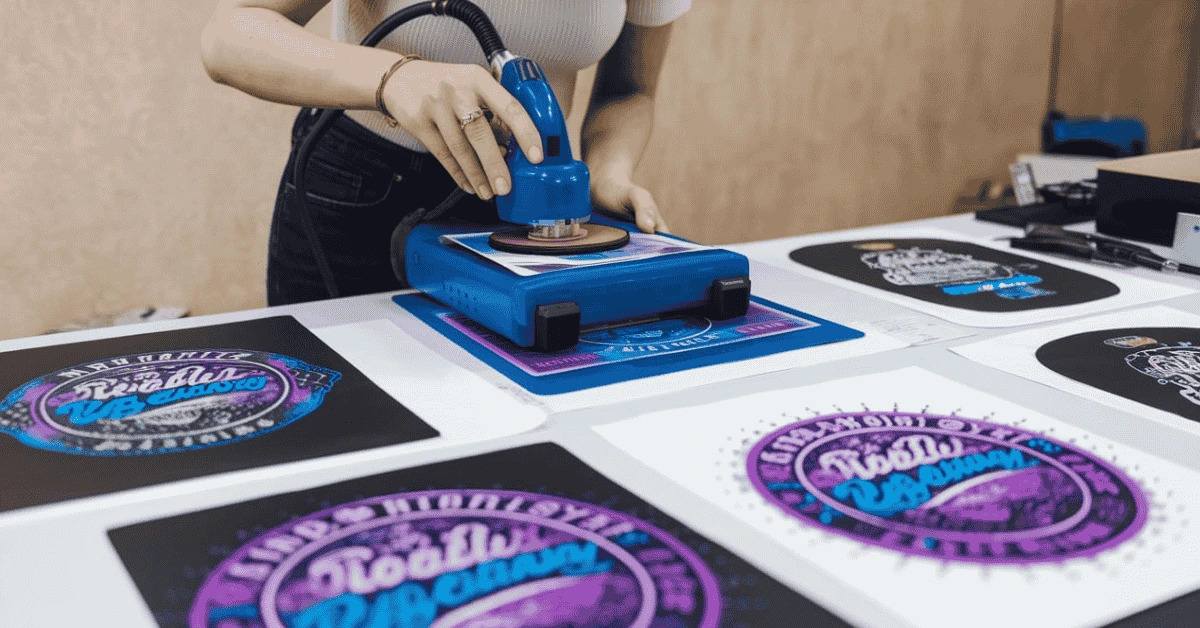
To get started with UV DTF printing, you need a few key tools. A specialized UV DTF printer is essential, as it uses UV-curable inks to produce vibrant and durable prints. You’ll also need PET film, a polyethylene terephthalate film designed for this technique. An adhesive powder plays a critical role in helping the ink adhere to the chosen substrate. The heat press machine ensures the transfer happens with the right pressure and heat. Whether you’re working with fabric, glass, metal, or plastic, having the right materials makes all the difference.
Begin by using graphic software to create or edit your artwork. Make sure the resolution is set to 300 DPI or higher for high-quality results. If the design includes text or has a specific orientation, remember to mirror the image to ensure it’s transferred correctly. Once ready, load the PET film into the printer, making sure it’s aligned properly to avoid any printing errors. As the UV light cures the ink, it forms a durable and vibrant image.
While the ink is still wet, sprinkle adhesive powder evenly over the printed design, making sure every part is covered. Then, remove excess powder by gently shaking the film so it only sticks to the wet areas. Next, it’s time to preheat the curing oven to 150°C (302°F). Let the film cure for a few minutes to ensure the adhesive forms a solid layer over the ink.
Before applying the design, prepare the substrate by ensuring it’s clean and free of dust or oils. If working with fabrics, doing a pre-press helps remove wrinkles and moisture. Carefully position the film with the cured print side down, ensuring it is aligned correctly. Set the heat press temperature to 160-180°C (320-356°F) and apply the right pressure for 15-30 seconds, depending on the material. Press firmly and evenly to complete the transfer process. After pressing, allow the material to cool completely before peeling off the PET film carefully, leaving a vibrant print on the surface.
Always test print on a sample to confirm the settings are correct. Using consistent pressure ensures the heat reaches the entire surface, preventing incomplete transfers. Be patient with the cooling time—if you peel too early, you may get a smudged design.
This versatile printing method is great for custom apparel like T-shirts, hoodies, and tote bags. It works well on glass items such as mugs, bottles, and windows, along with metal signs, plaques, and accessories. Plastic phone cases, containers, and gadgets are also excellent surfaces for UV DTF printing.
Once your surface is prepped, gently remove the backing layer and place the transfer on the prepared sceurfa, making sure the alignment is perfect. Use a squeegee or soft cloth to apply even pressure, ensuring a smooth application without bubbles. For curved surfaces like cups or tumblers, a flexible squeegee works best to fit the shape. Applying gentle heat can also help activate the adhesive bond for better adhesion.
If you notice air bubbles, wrinkles, or uneven adhesion, gently press with a squeegee or soft cloth. For stubborn bubbles, use a pin or needle to release trapped air and smooth the bubble area. Careful preparation and the right application process can prevent most issues, ensuring a professional finish on all surfaces.
UV DTF (Direct-to-Film) transfers are changing the way DIYers and professionals create high-quality custom designs. These vibrant, durable, and waterproof transfers work on various non-porous surfaces like glass, metal, acrylic, and plastic, making them ideal for customizing tumblers, decorating glassware, or creating unique gifts. Unlike traditional methods, UV DTF transfers do not require heat or curing, ensuring flawless results with minimal effort.
The versatility and convenience of UV DTF transfers make them a must-have for both beginners and experienced crafters. They provide a professional-quality finish at home, allowing you to personalize drinkware, home décor, and promotional items effortlessly. The strong adhesive bonds securely to surfaces, ensuring the design stays intact for a long time. Plus, the no-mess application eliminates the need for expensive equipment like heat presses, making it perfect for small businesses and hobbyists.
To apply UV DTF transfers, you’ll need a UV DTF Transfer Sheet and a clean, hard Substrate like glass, acrylic, metal, or plastic. A Squeegee or sturdy card (such as a credit card) helps press the design smoothly, while Alcohol wipes or a lint-free cloth ensure a dust-free surface. If working with heat-sensitive materials, gloves can be used to avoid smudging.
If you’re ready to start crafting, check out The Glitter Guy’s exclusive collection of UV DTF transfers. With hundreds of vibrant designs to choose from, you can create stunning, professional-grade projects with ease. Whether for personal use, gifts, or small business products, UV DTF transfers offer unmatched durability and convenience.
UV-DTF transfers make customization easy for DIYers and professionals. They work on plastic, glass, ceramic, wood, and metal without weeding or extra steps. Perfect for tumblers, décor, and gifts, they offer durable, scratch-proof, and vibrant results.
With in-house printing now accessible, these transfers require no heat and apply in minutes. They ensure high-quality designs without special equipment. Try UV-DTF transfers to elevate your crafting projects!
Clean the surface with alcohol wipes. Peel the clear film to expose the adhesive and place the transfer carefully.
Press firmly with a squeegee from the center outward to remove bubbles. Peel off the carrier film to reveal a vibrant design. No heat or curing needed!
Any dust, dirt, or oils left on the surface can prevent the transfer from adhering correctly, leading to peeling or lifting. Always clean thoroughly before application.
Removing the carrier film too soon can result in wrinkles or bubbles as the design may not fully bond to the surface. Peel it slowly and carefully.
Using a squeegee or sturdy card with firm, even pressure helps eliminate air pockets and ensures a strong, lasting bond. Skipping this step can lead to uneven results.
By avoiding these common mistakes, you can achieve flawless, professional-quality UV-DTF transfers every time!
If you’re looking for high-quality UV-DTF transfers, choosing a reputable supplier is crucial. Many online stores now offer a wide variety of pre-printed designs for tumblers, mugs, glassware, phone cases, and more. When shopping, look for transfers that are durable, scratch-resistant, and vibrant, ensuring they adhere well to different surfaces.
The best places to buy UV-DTF transfers include specialty crafting stores and trusted online marketplaces. Some brands even offer custom design printing, allowing you to create one-of-a-kind products. Whether you’re a DIY enthusiast or a small business owner, investing in high-quality UV-DTF transfers will help you achieve stunning, professional-looking results with ease.
UV-DTF transfers have revolutionized the world of custom crafting, offering a quick, mess-free, and durable way to personalize various surfaces. Whether you’re a DIY enthusiast or a small business owner, these transfers provide professional-quality results with minimal effort. By following the proper application techniques, avoiding common mistakes, and maintaining your designs with care, you can enjoy long-lasting, vibrant creations. Investing in high-quality UV-DTF transfers ensures that your projects stand out, making customization easier and more accessible than ever.
If you’ve looked into custom t-shirt printing UK recently, you’ll have noticed one technology coming up again and again: DTF transfers. Direct-to-film printing has rapidly
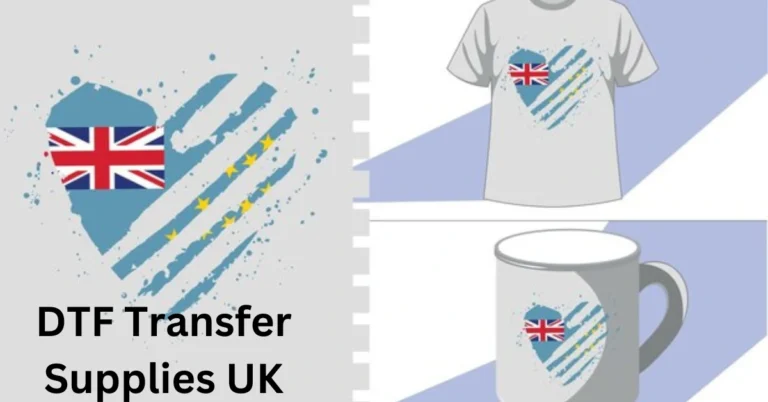
DTF Transfer Supplies UK: Direct-to-film (DTF) printing is transforming the custom apparel industry with vibrant colors, sharp details, and long-lasting prints. Unlike traditional methods like screen
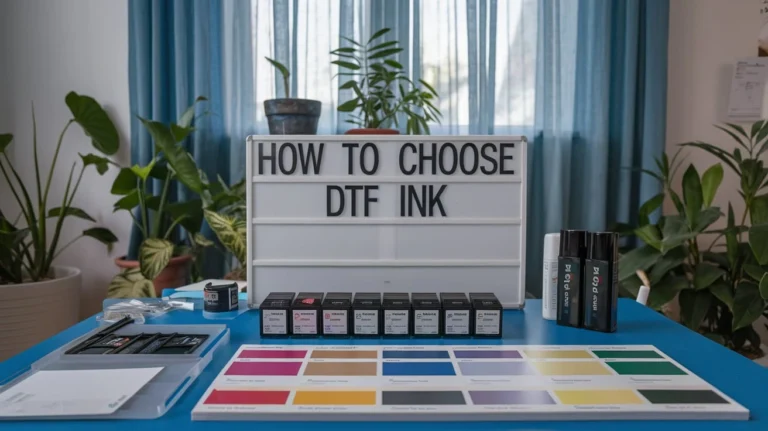
How to Choose DTF Ink: When choosing DTF ink, it’s important to consider color vibrancy and durability. The ink you select affects the final look,